


Secure access to corporate resources in minutes
MaxProtocol is a corporate access platform built on Zero Trust Network Access. It is managed from a single web console and lets you:
- Deploy a protected network with a managed gateway in 10 minutes
- Set access rules for teams and individual employees
- Securely connect local networks, 1C, CRM and ERP systems, file servers, and databases
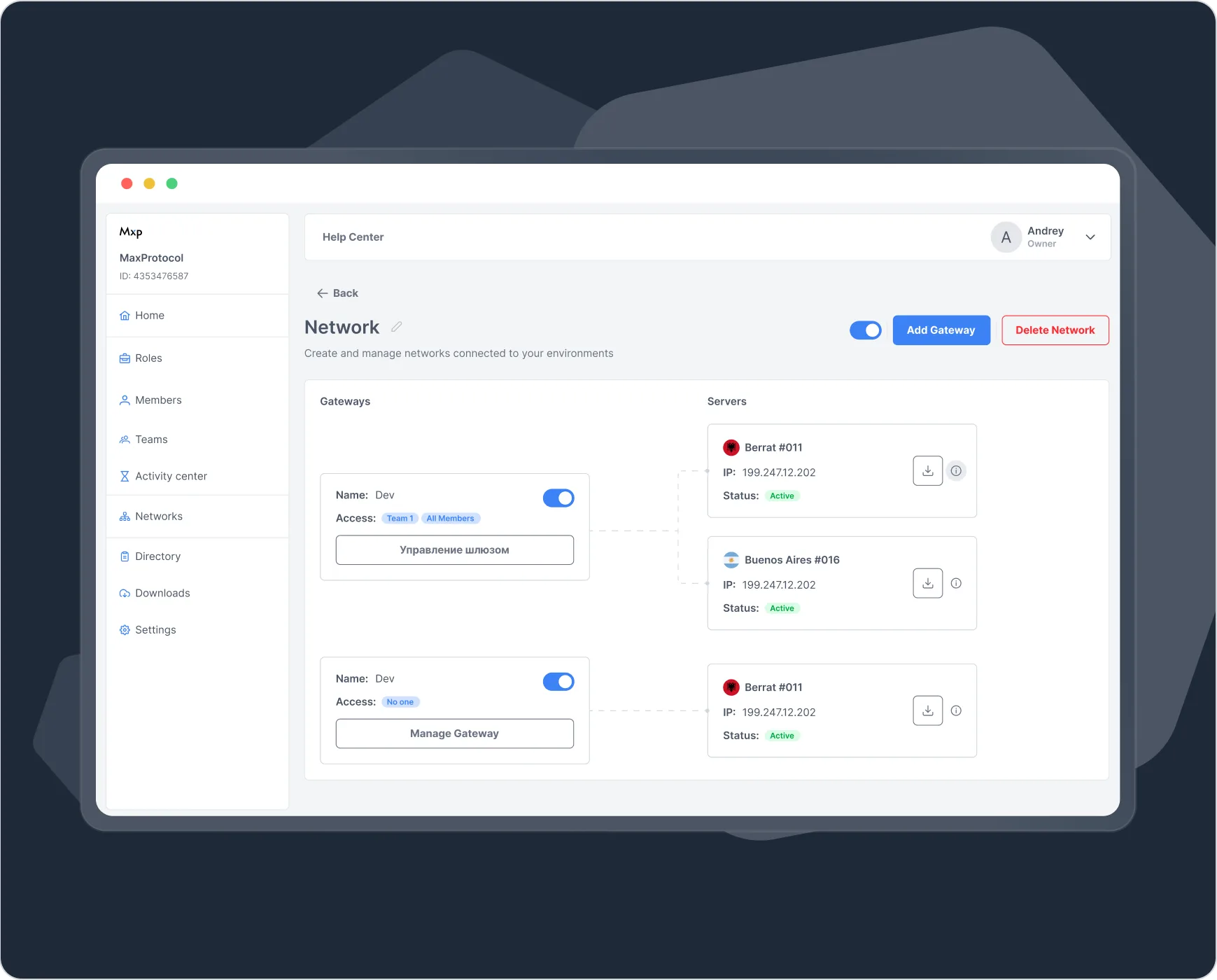
Connect without rebuilding your corporate network
Getting started requires no hardware gateways and no changes to your existing network architecture. An administrator creates a network in the console, places a connector inside the company infrastructure, and describes the permitted routes.
- 1
Create a network
Pick a region for the managed gateway and set the parameters of the isolated network.
- 2
Connect your infrastructure
Place the connector and build a tunnel to servers, subnets, or internal services.
- 3
Assign access
Add employees and teams, then allow them only the resources and ports they need.

Cloud management, a protected perimeter inside the company
MaxProtocol separates access management from the connection to corporate resources. Administrators work in a cloud console, users connect through managed gateways, and the MaxProtocol connector links to the internal infrastructure.
Users
Employees and teams get access in line with the rules assigned to them.
MaxProtocol infrastructure
A cloud console and managed gateways in the regions you choose.
Customer infrastructure
The connector provides a controlled route to the permitted internal resources.
Every network gets its own IP subnet, regions, gateways, and rule set. Projects, departments, and separate perimeters can all be kept apart.
- Several regions inside one network
- A static public gateway address for allowlists
- Two connectors: OpenVPN XOR and Direct connection
- Deactivate a gateway and its tunnels from the console
Every rule defines an access source, a destination, and an action. The source can be an employee or a team; the destination is an address, a subnet, or a directory record.
- Rule priority follows the order of the list
- Default action: allow or deny
- Rules can be switched off temporarily without deleting them
- Only the required TCP and UDP ports are opened
Internal domain names and internet egress routes are configured separately for every network and every user.
- A primary and a backup internal DNS server
- Up to five internal domains per network
- Egress through a chosen region or the user's own IP
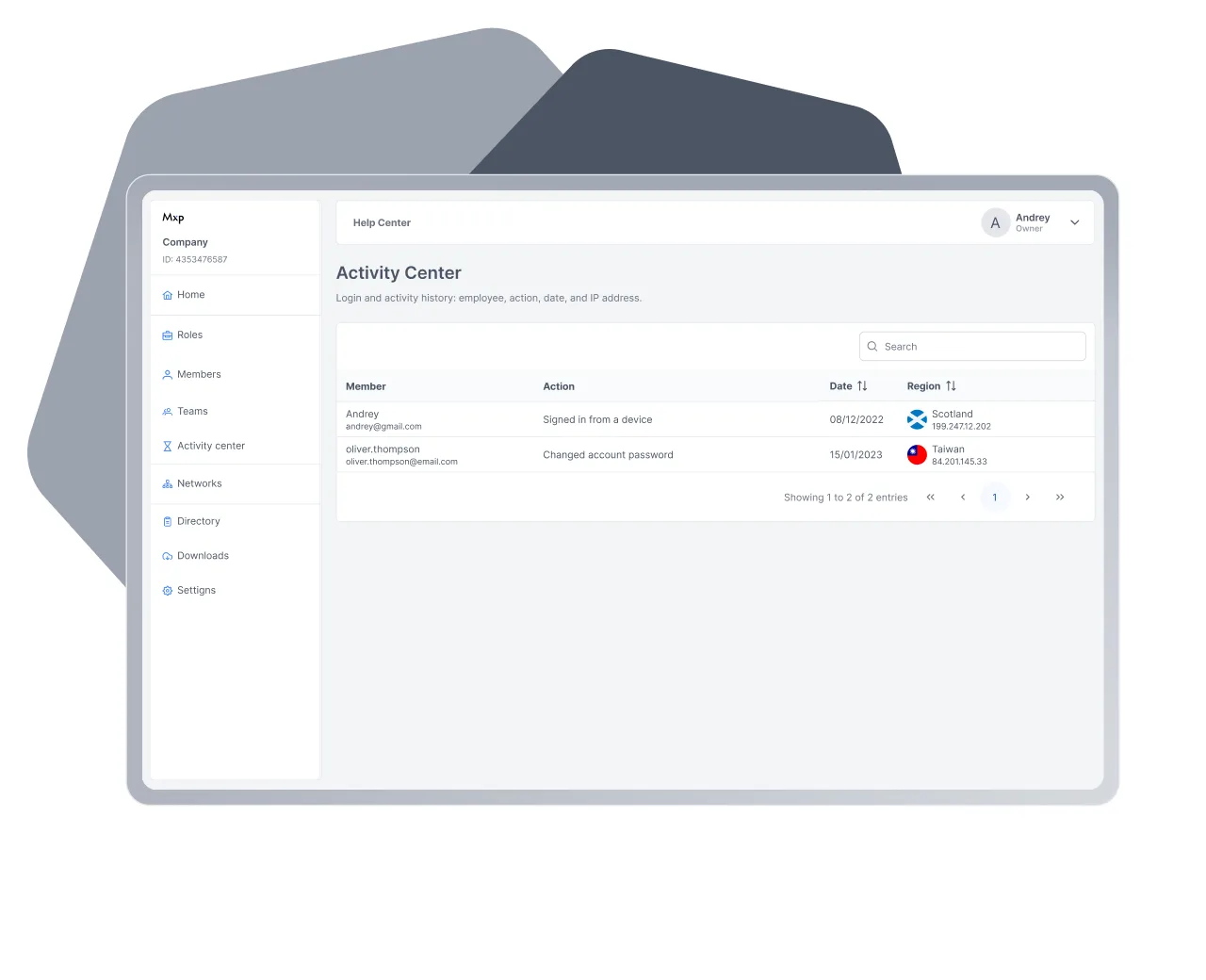
Password sign-in is confirmed with a second factor. An administrator can require app-based authentication across the whole organization.
- A one-time code sent by email
- A code from an authenticator app
- A sign-in log with date and IP address
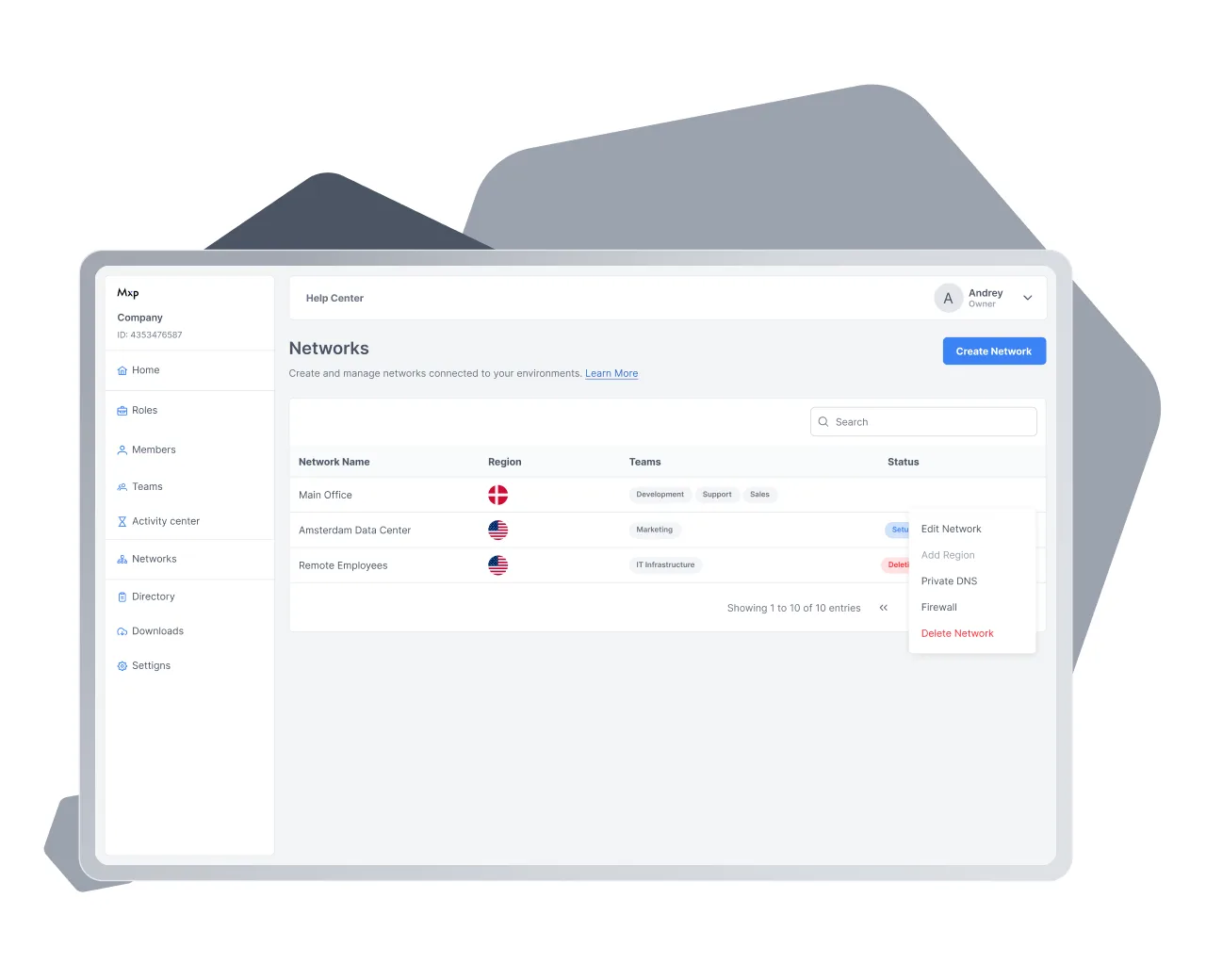
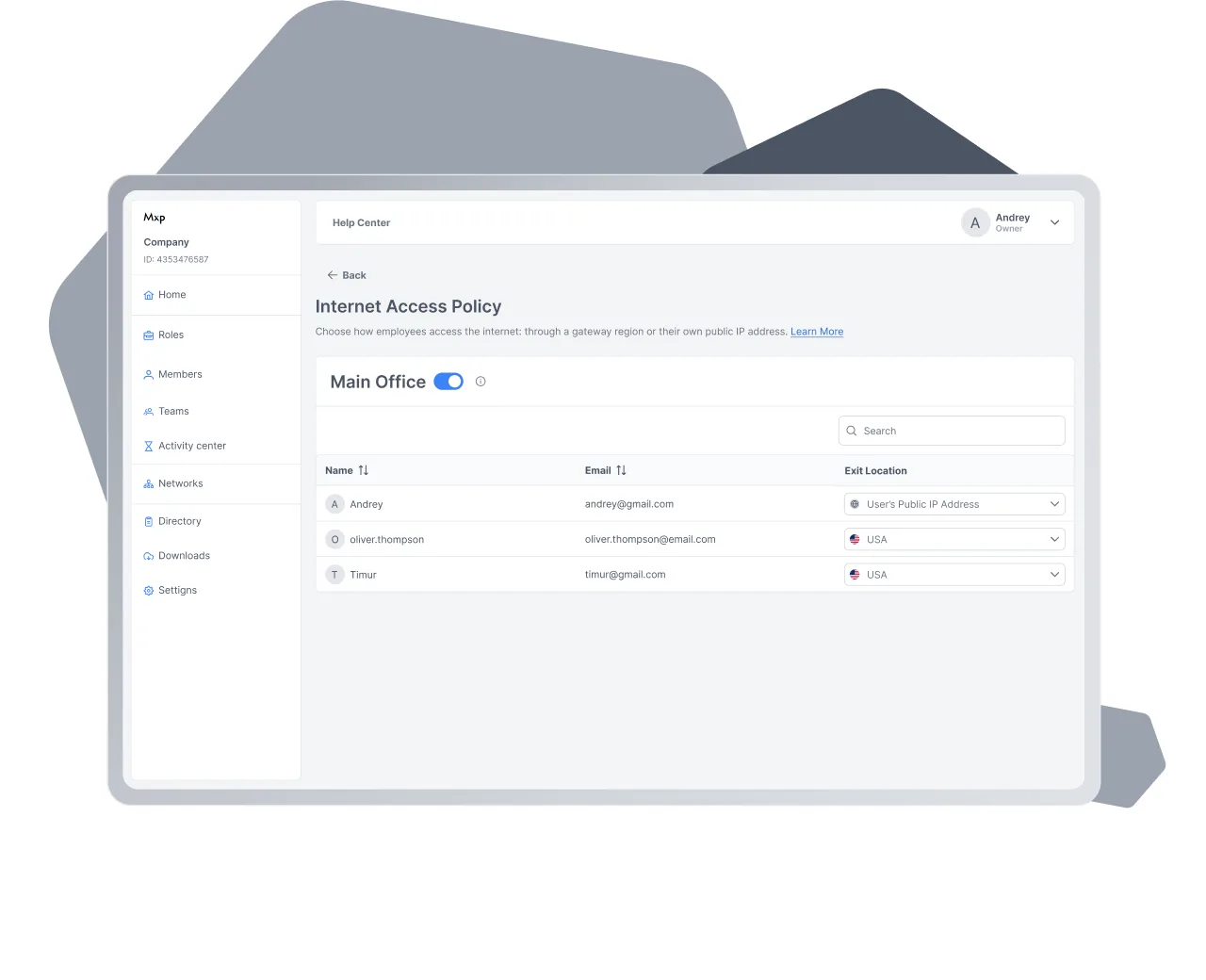
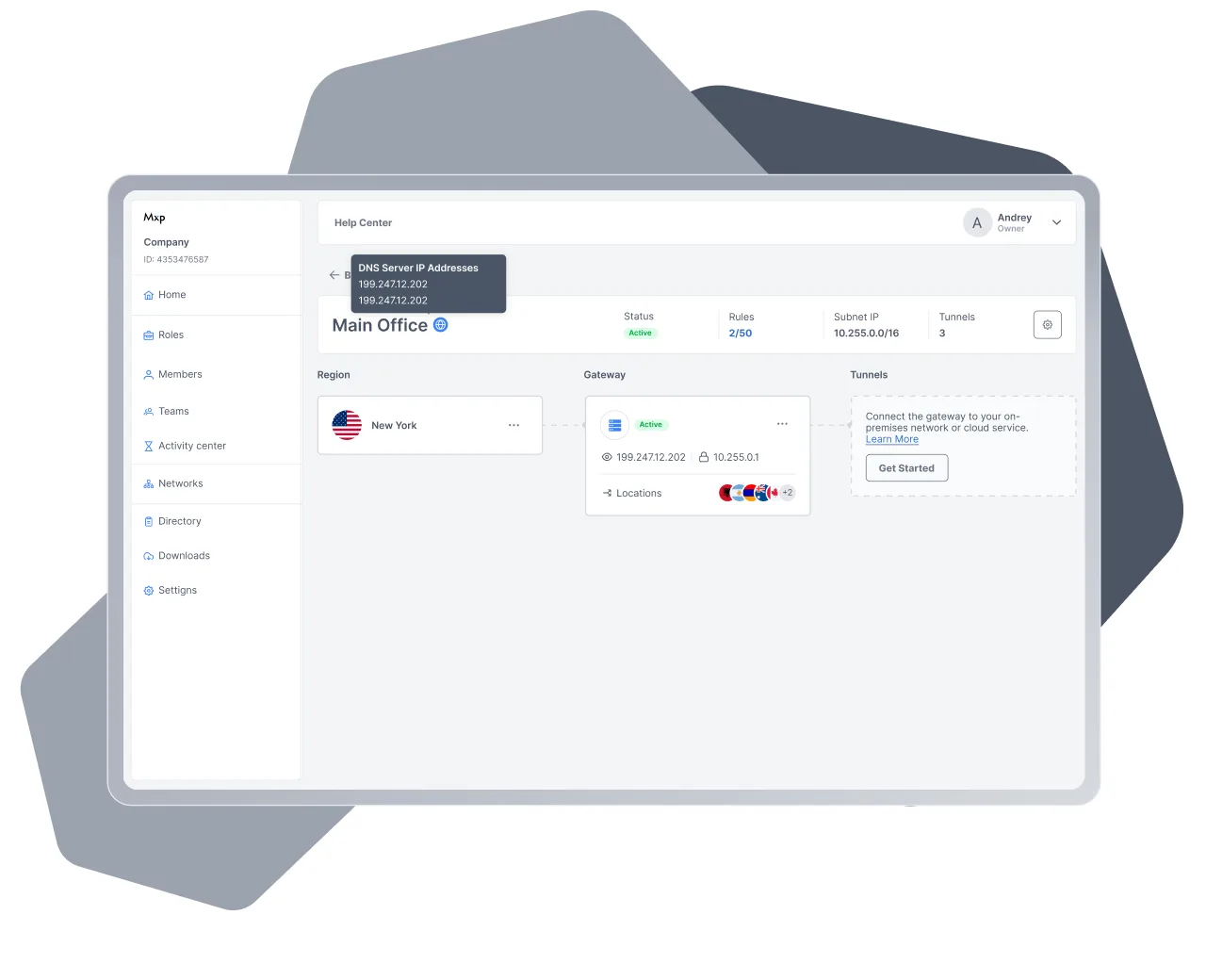


The everyday operations that need no support ticket
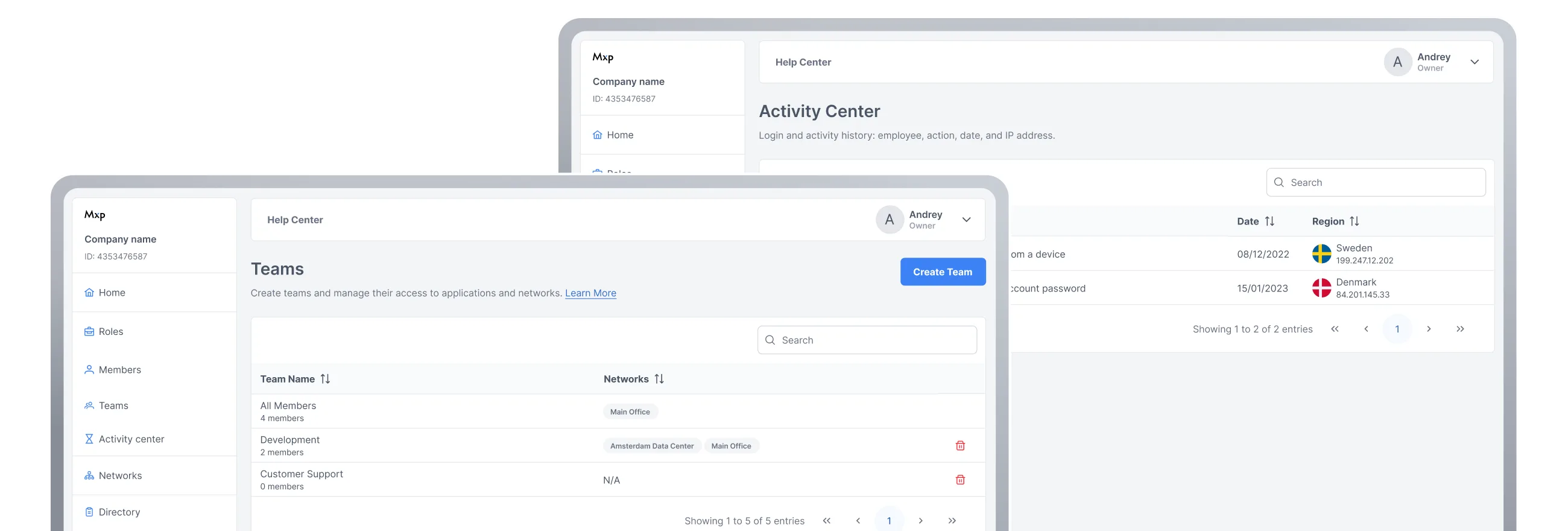
Employees — invite by email, deactivate without deleting, reset a password.
Roles — permissions split three ways: platform admin, billing, regular user.
Rules and directory — addresses, subnets and domains, and the access rules that cover them.
Teams — grouping by department and project, one employee in several teams.
Networks and regions — create a network, add a region, deactivate a gateway.
DNS and internet egress — settings held separately for every network and every employee.
How it works inside

Cloud console
A single point of control for organizations, users, networks, gateways, tunnels, and policies.

Gateways and connectors
Managed gateways are deployed automatically in the region you pick and receive a route to the permitted resources through a connector installed inside the customer's infrastructure.

Tunnels
Resources are reached over OpenVPN XOR with traffic obfuscation, or over a direct connection via SSH or HTTPS.

Network isolation
Every network has its own IP subnet, gateways, tunnels, and access rules.

Traffic filtering
An unlimited number of rules per network, priority by order, and a separate action for traffic that matches no rule.

Authentication
A password plus a second factor: a code sent to email or a code from an authenticator app.
Platform support
Windows
Microsoft Store or .exe
macOS
App Store or .dmg
iOS
App Store
Android
Google Play or .apk


Test the platform on your own infrastructure
Web console access opens as soon as you connect. An administrator deploys the platform, publishes the first corporate resource and configures access policies without assistance. No hardware gateways and no network preparation required.
Frequently asked questions
A regular VPN lets whoever connects into the network as a whole. Here access is described by rules: the source is a team or a specific employee, the destination is an address or a subnet, the action is allow or deny. Traffic that matches no rule falls back to a default action, including “deny”.
A network with a gateway is deployed in about 10 minutes. Before that — enable multi-factor authentication, invite employees and put them into teams; after that — bring up a tunnel to the server that holds the resource and hand out the app. No work on network equipment is required.
No. The gateway is deployed by the platform in the region you pick. On the company side, the only thing configured is the tunnel to the server that holds the resource: OpenVPN XOR or a direct connection.
Windows, macOS, iOS and Android. Install from Microsoft Store, App Store and Google Play, or directly from .exe, .dmg and .apk files.
Access is granted to a team: add an employee to a team and they get access to the networks assigned to it. Revoking means deactivating the account — access to every network in the organisation stops immediately, while the record's data is kept.
The activity centre shows employee sign-ins: name, action, date and IP address, with search by employee and sorting by time. The list of recorded events is being expanded.
Yes, through private DNS. A network is pointed at one or two of your DNS servers and up to five domains whose queries are sent to them; all other queries go to public DNS.
Yes. The internet-access policy is set per employee: exit through an egress node in the region you choose, or through a dedicated IP address.